Learning centre / Restaurant / Restaurant questions
RestaurantFlowers, gifts and perfumesPhone and computer repairPrinting shopElectronics

Restaurant questions

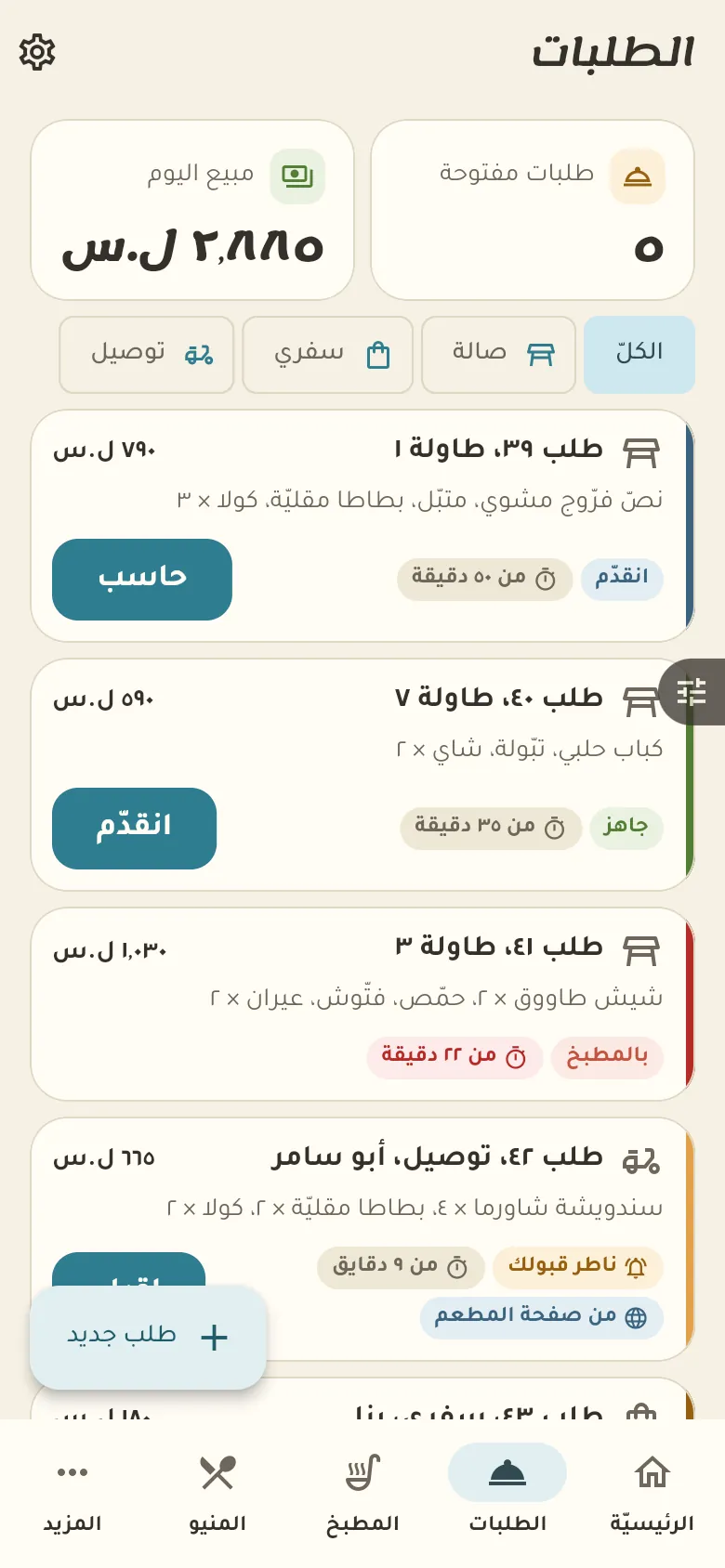
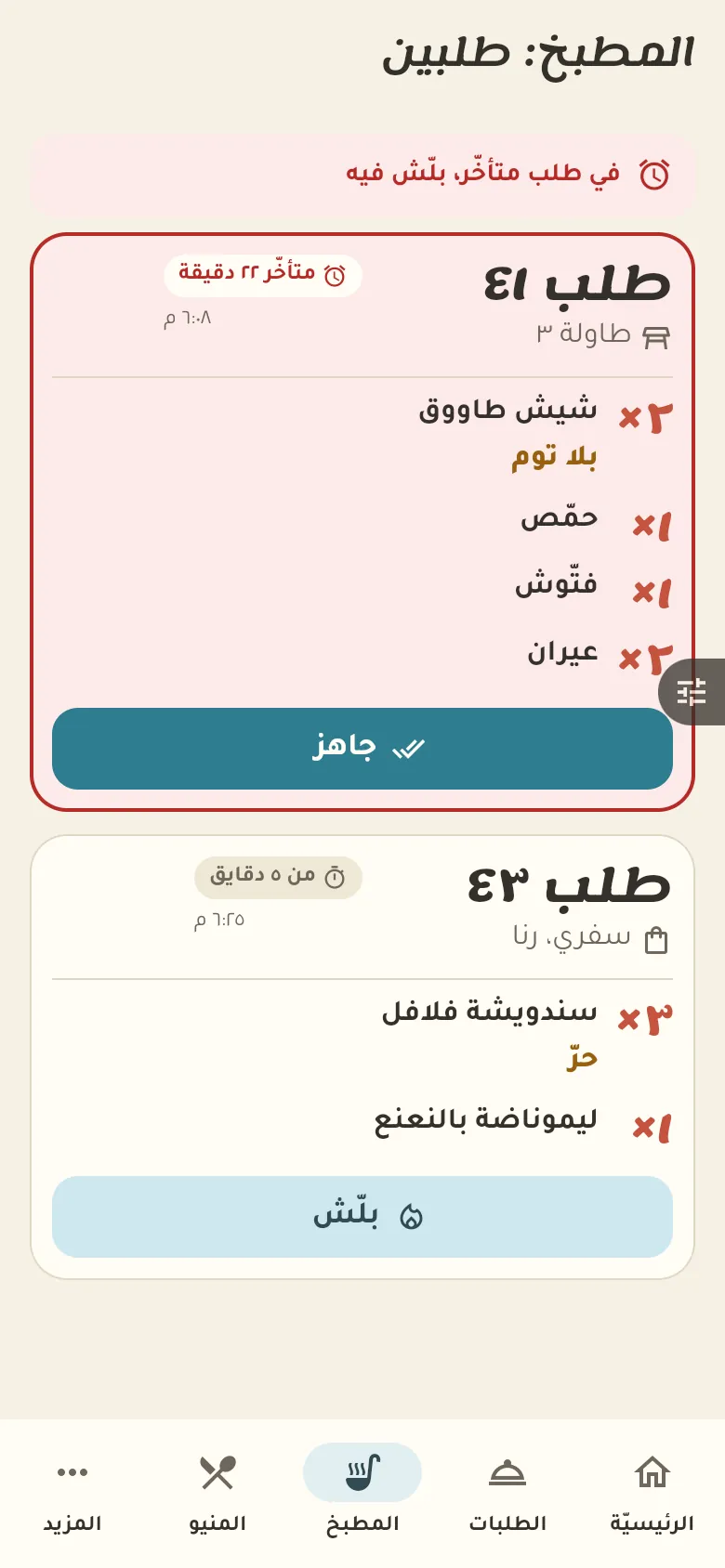
Open tables and a kitchen screen with orders per table and a late-order warning.

11 chapters · 4 steps

Step by step

Press any step (or scroll) and the phone shows its screen.
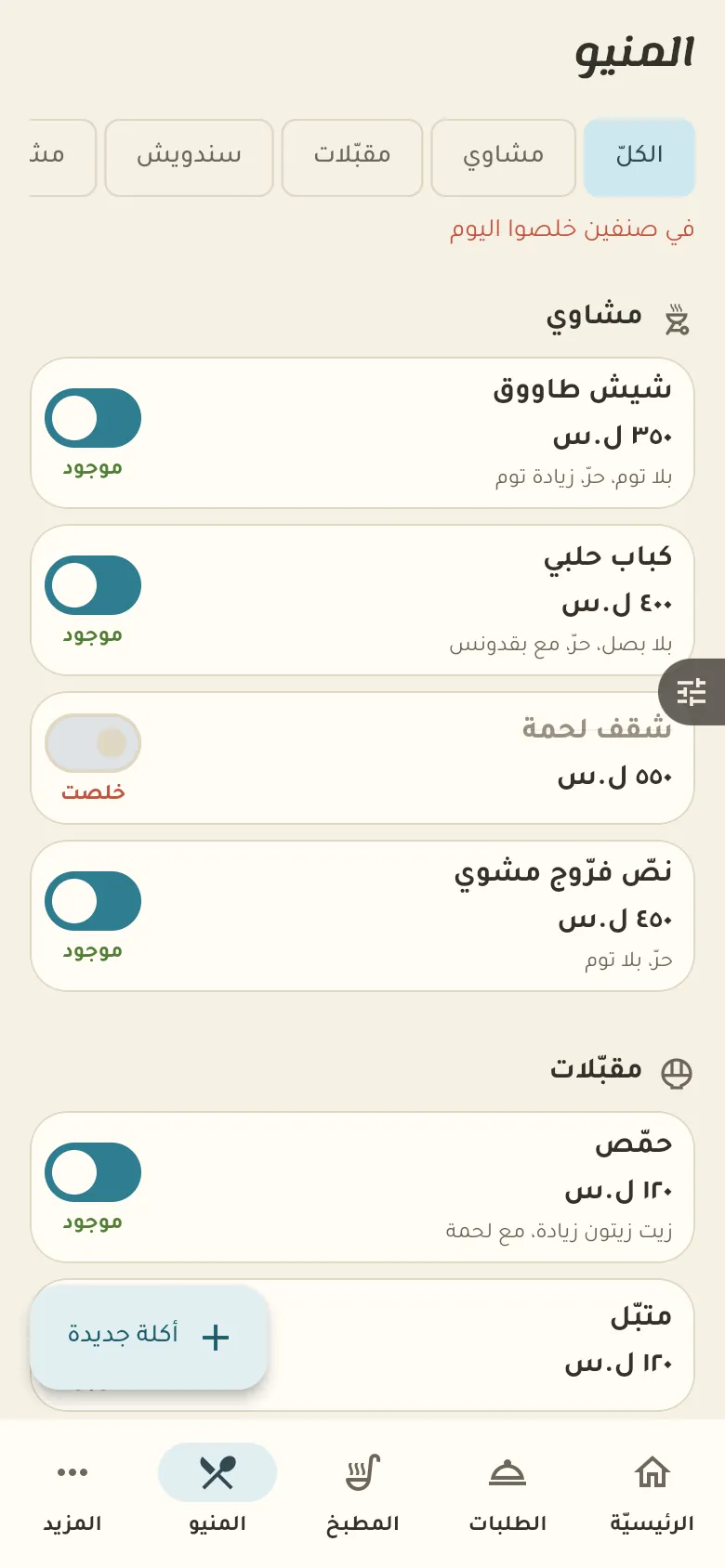
  1. The menu
  2. Your first dish
  3. Orders
  4. The kitchen
Step screen

Common questions

How do I split the bill between customers?

In the order tap «Split bill» and choose equally or by items. Each share becomes its own invoice with its own payment.

How do I set the delivery fee and minimum order?

From «More → Settings» enter the delivery fee and the minimum order total. The fee is added to delivery orders and an order under the minimum isn't accepted.

Can customers order directly from my page?

Yes, they order from your shop page and the order reaches you. You can have orders go to the kitchen by themselves or wait for your acceptance of each, and a ShamCash order doesn't reach the kitchen until the payment is confirmed.

On a computer or in the browserIf your phone is not at hand, open Rafeeq Business in the browser and sign in with the same number: the same cashier and the same steps.
BlogLearning centreYour business isn't here? Request itPrivacyTermsDelete accountService status العربيةRafeeq for home and family