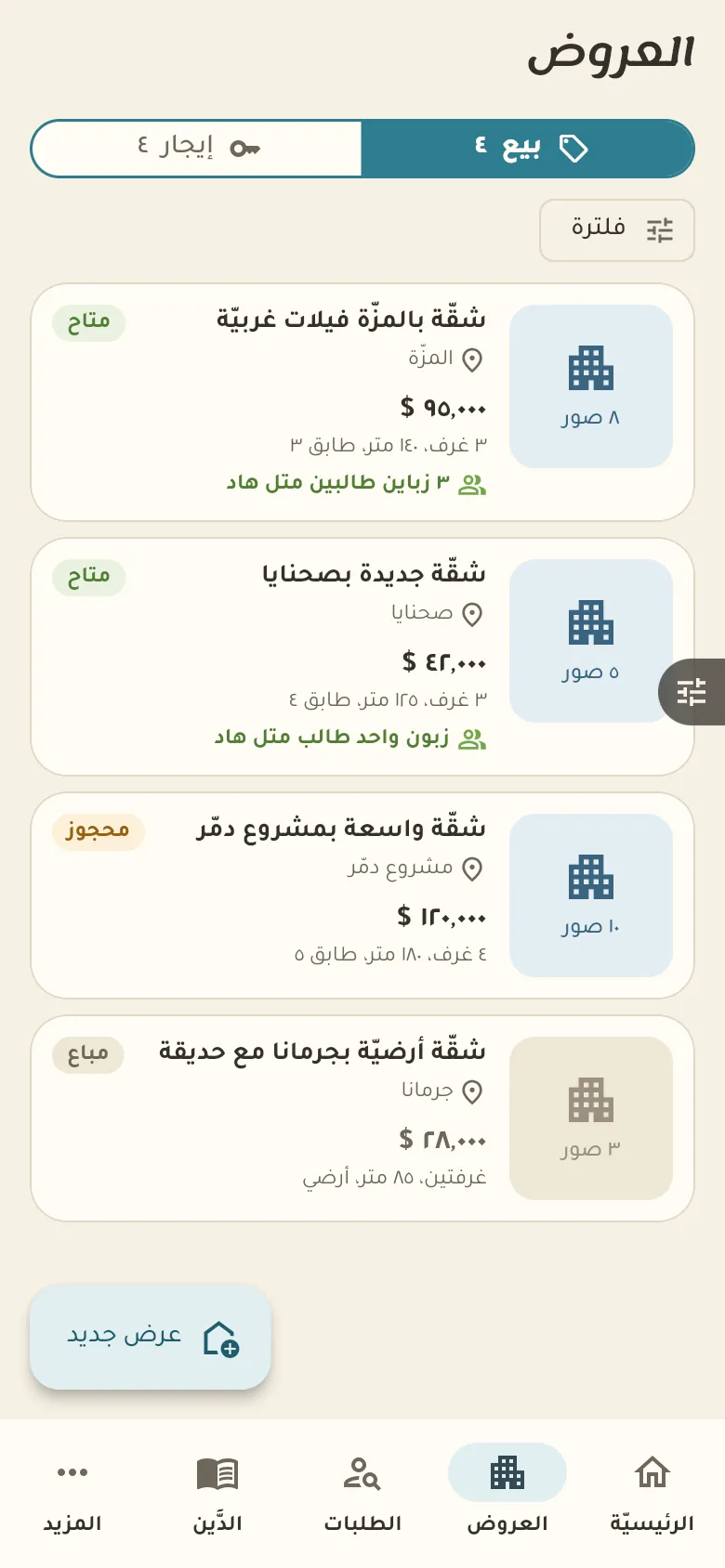
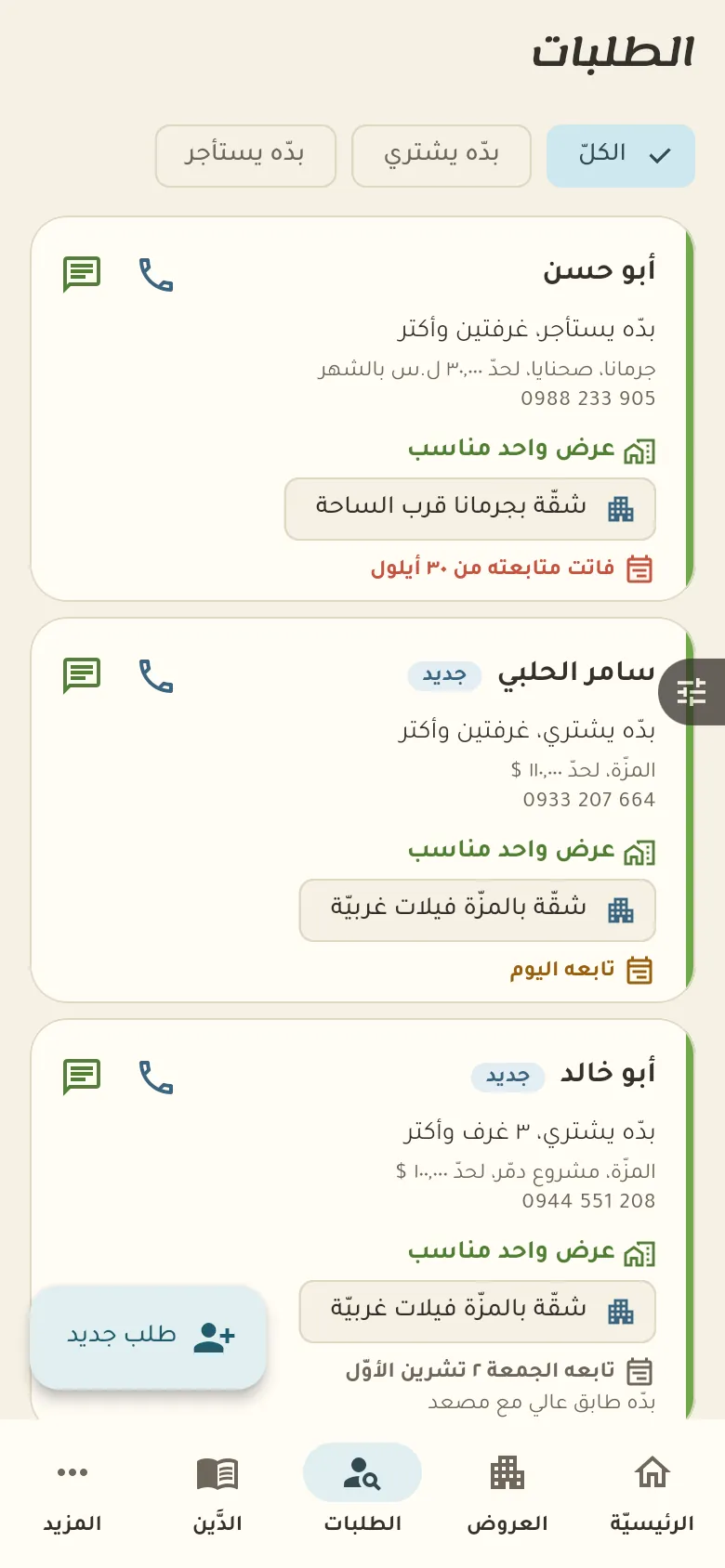
Sale and rent listings with photos, area and status, client requests and the month's commission.
10 chapters · 3 steps
Pick up where you left off:
Step by step
Press any step (or scroll) and the phone shows its screen.
A screenshot taken automatically from the app
Common questions
How is my commission calculated?
In Settings you set the sale commission percentage and the number of months for rent commission. When a deal closes Rafeeq calculates it for each side, and you can set a special commission on a particular listing.
How do I follow rent on contracts?
Record the lease with its term and rent, and Rafeeq reminds you before each due date. Log every payment you receive so tenants' balances stay clear.
How do I add photos and a location to a listing?
Open the listing, tap «Photos» to add them from the camera or gallery, then «Location» to pin it on the map.
On a computer or in the browserIf your phone is not at hand, open Rafeeq Business in the browser and sign in with the same number: the same cashier and the same steps.