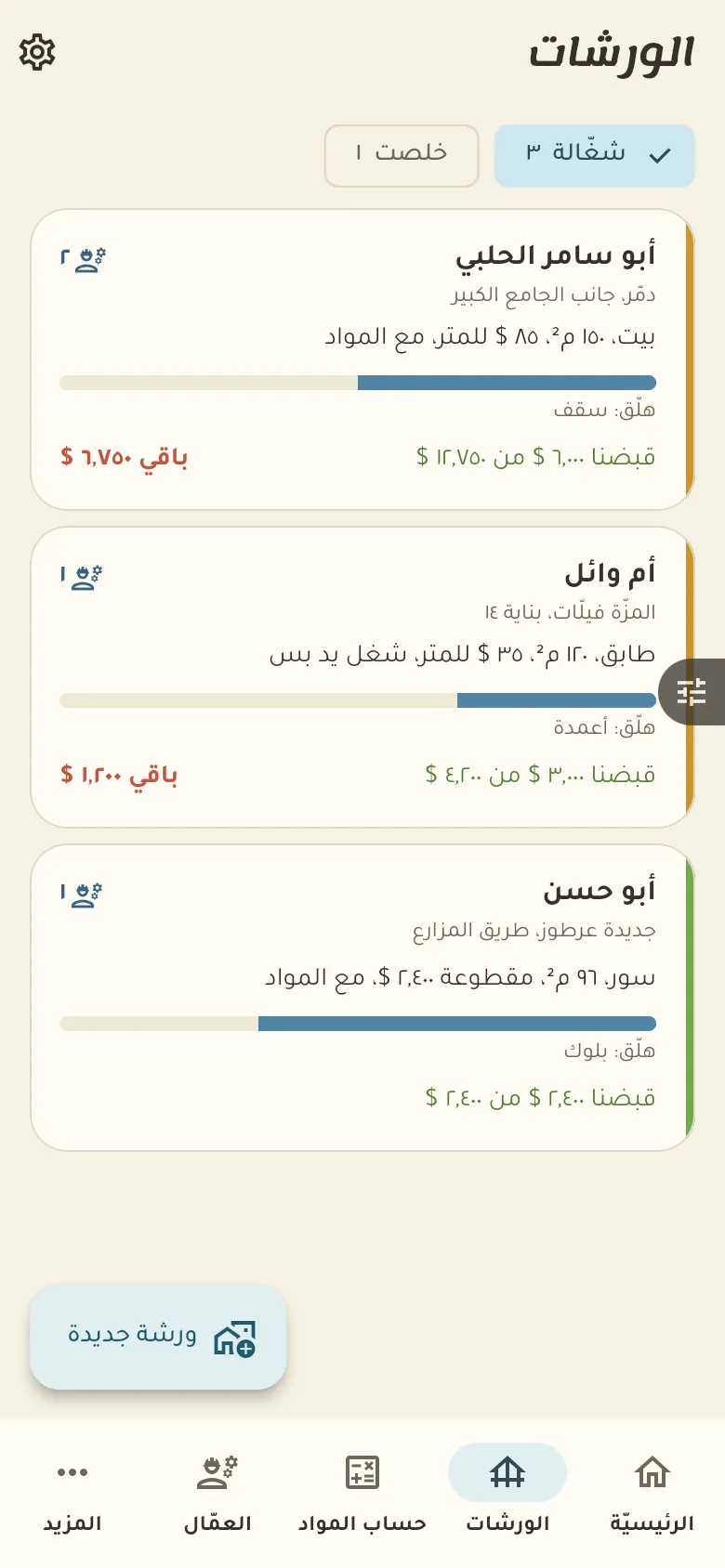
Running sites, workers and materials, with what was collected and what is left per project.
10 chapters · 4 steps
Pick up where you left off:
Step by step
Press any step (or scroll) and the phone shows its screen.
A screenshot taken automatically from the app
Common questions
How do I work out the concrete for a slab?
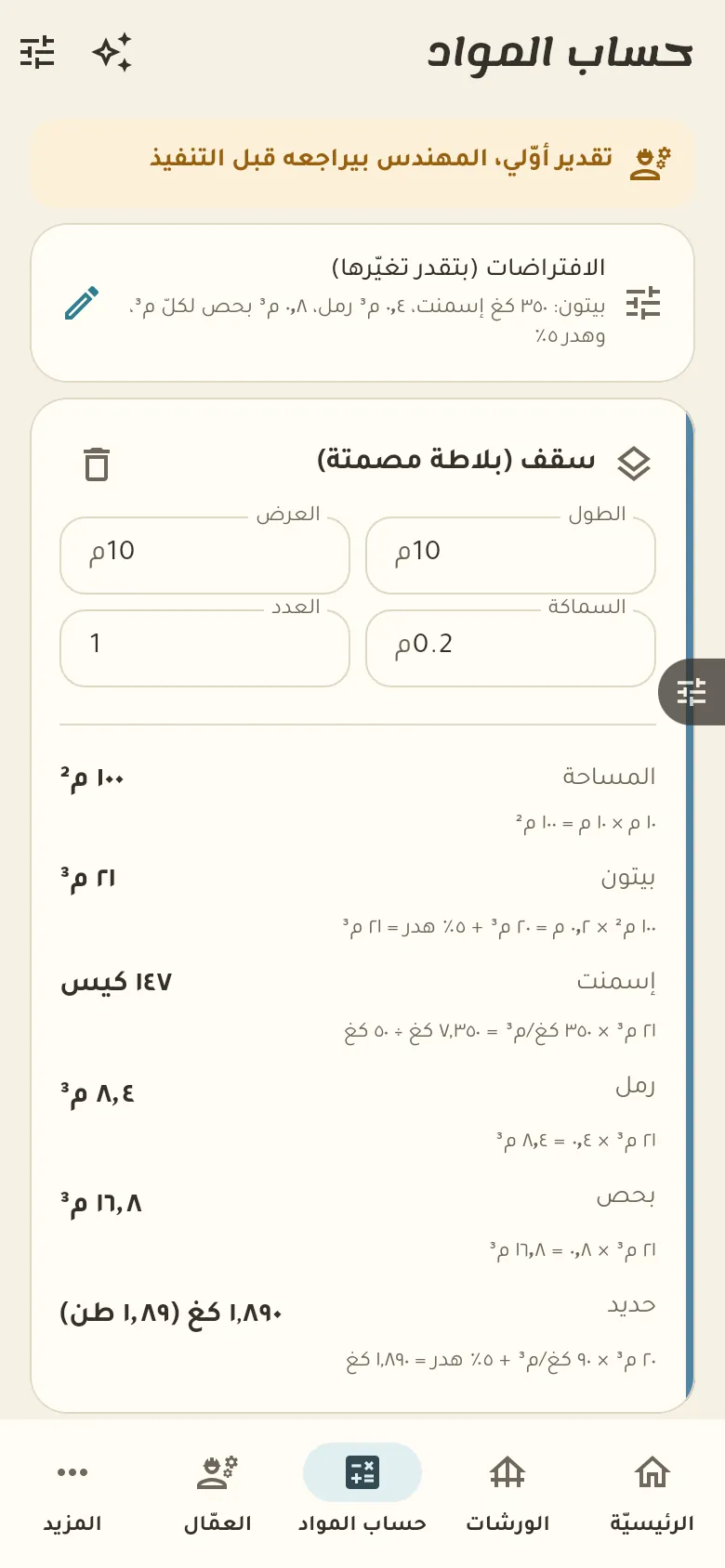
Open «Materials calculator», choose «Slab» and type the length, width and thickness. The quantity appears in cubic metres, and you can choose solid or ribbed.
Can the AI work out the quantities?
No, the AI only reads your description or photos and extracts the dimensions, and the calculations stay with the tested calculator. You review the dimensions before you accept them.
How do I record a worker's daily wage?
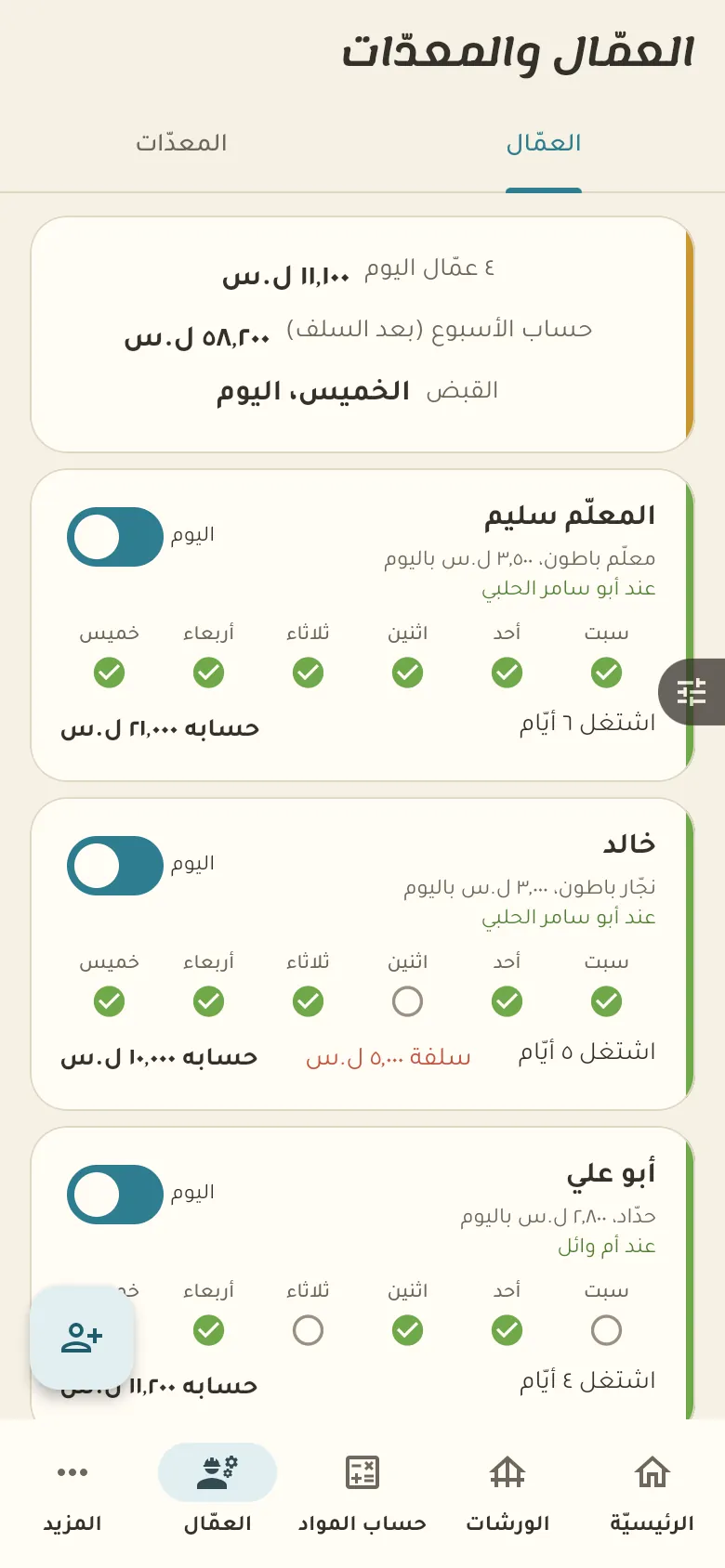
Open the worker and tap «Today's day», then pick the site. When you pay, tap «Payment» and enter the amount, which comes off what he's owed.
On a computer or in the browserIf your phone is not at hand, open Rafeeq Business in the browser and sign in with the same number: the same cashier and the same steps.