Your shop has a web page that customers open from a link. Pick the link name, share it on WhatsApp and your accounts, and customer orders will arrive straight in the app.
Press any step (or scroll) and the phone shows its screen.
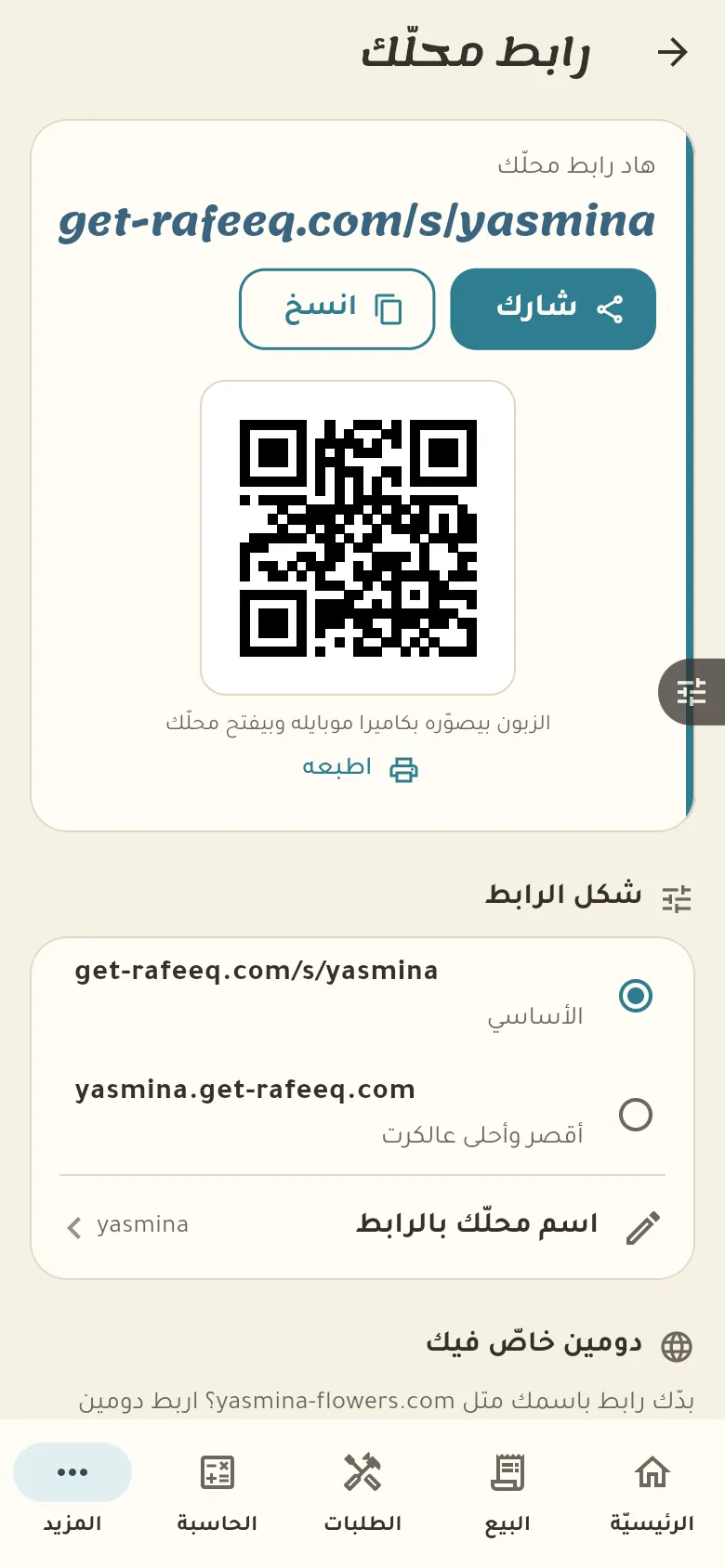
From «More → Shop page» pick a name for the link and switch the page on. It shows the items you allow to be displayed.
When a customer orders from your page you get a notification and find the order in «More → Orders». Accept or reject it, and once accepted the customer follows it from their own link.
Open the item from «Goods» and switch off «Show on the page». The item stays in your shop and only disappears from the customers' page.
