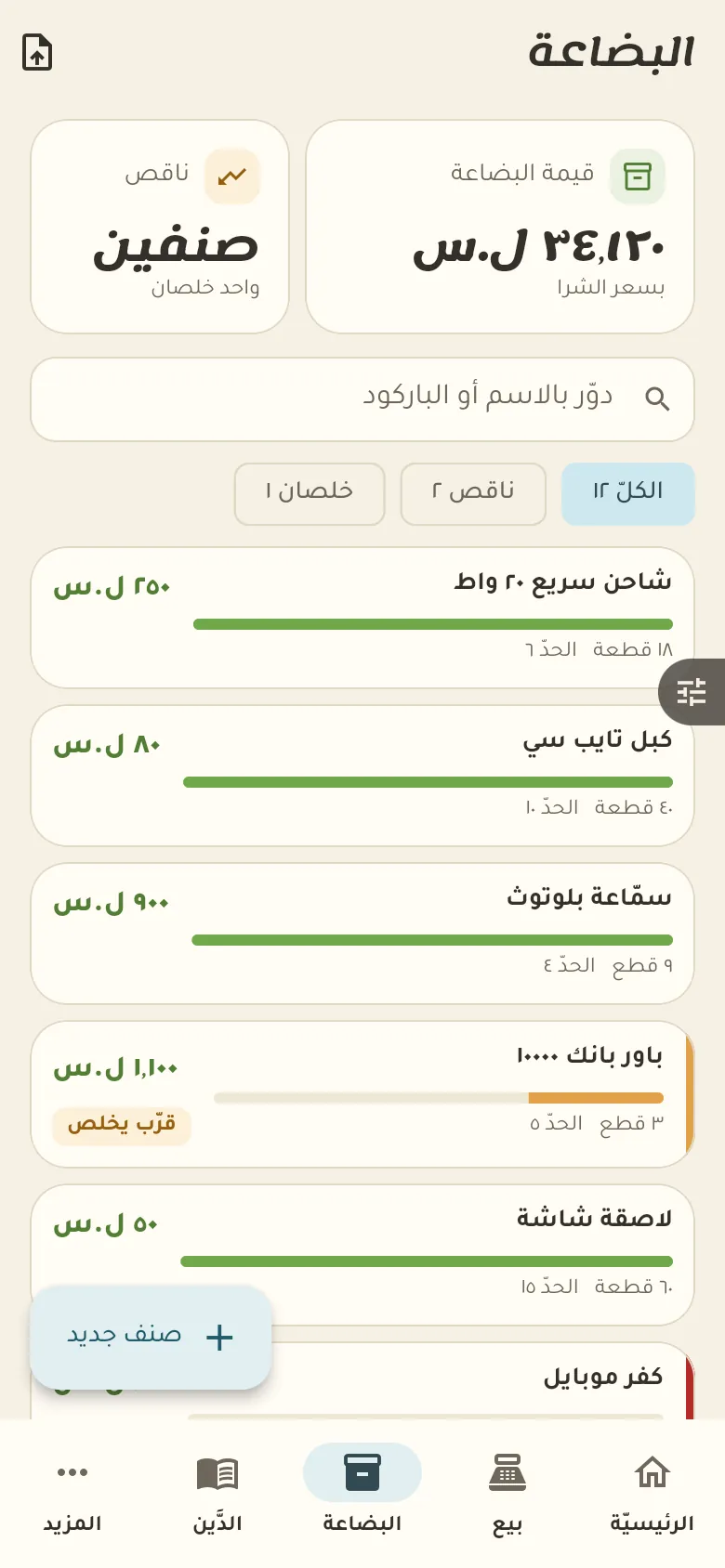
Sales, profit and debts, plus what is low or gone and the value of your stock.
14 days free · Every feature open · works offlineNot a generic accounting program. Every screen is made for what happens in this business every day.
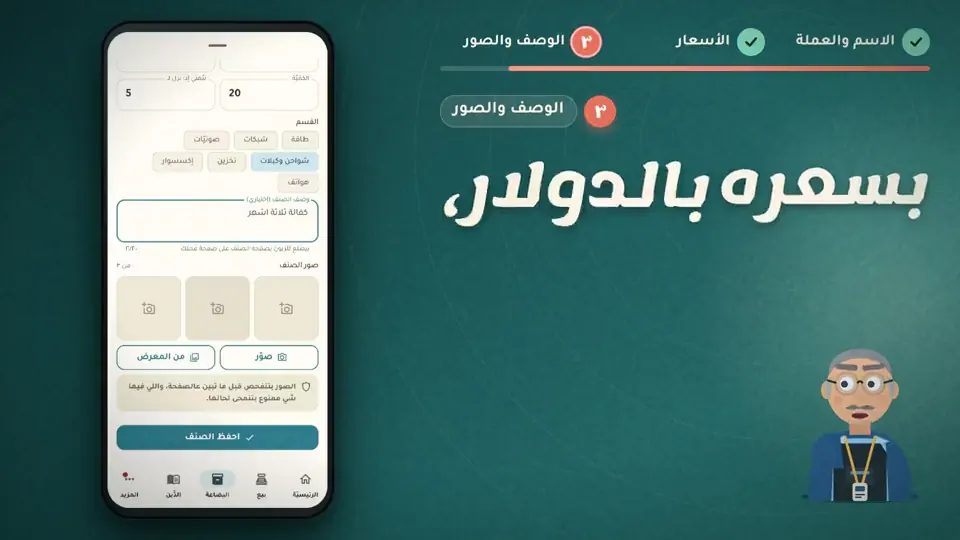
Here are your devices and accessories with prices and quantities. Put the warranty or serial number in the item's notes so you can find it later.
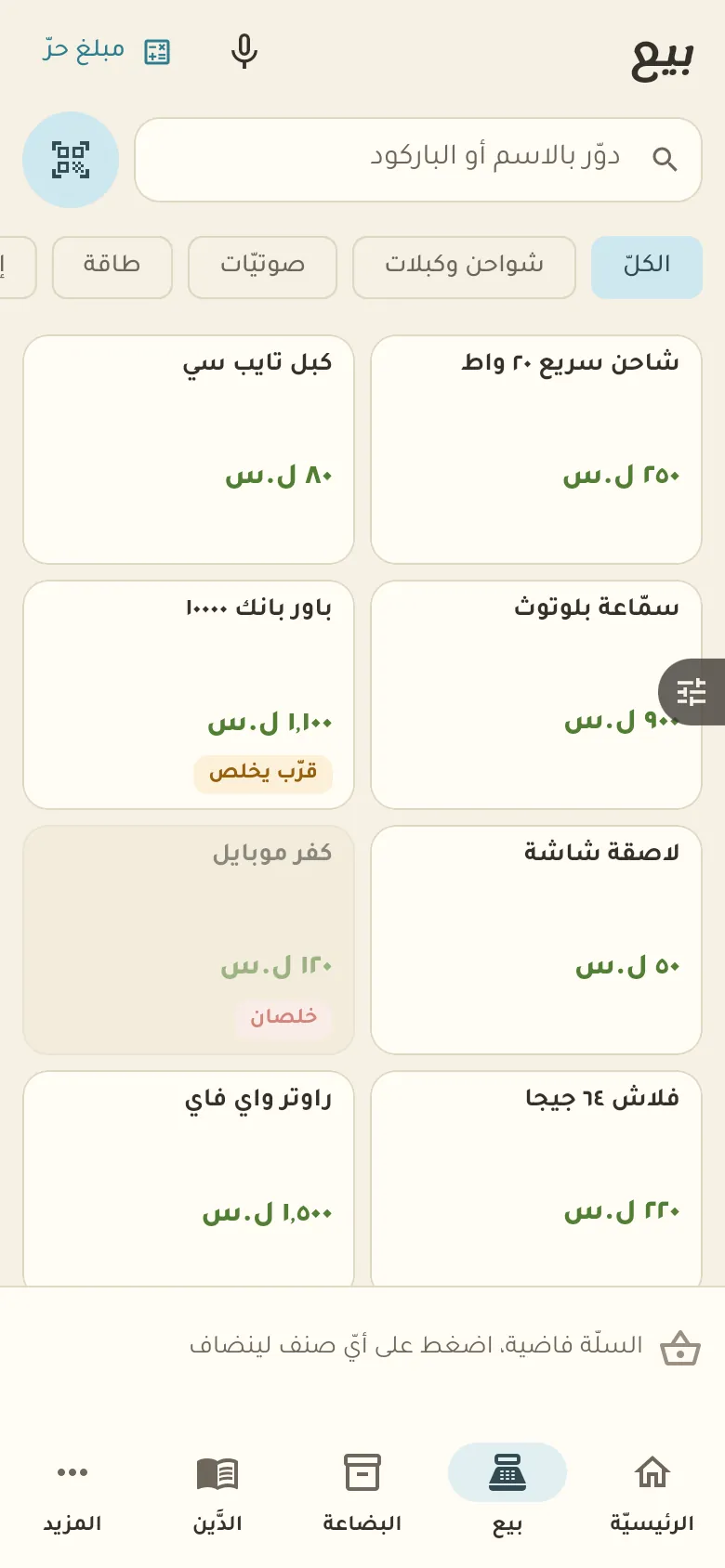
In «Sell» scan the barcode or search for the item, then tap «Pay». You can sell in dollars, in lira, or in both together.
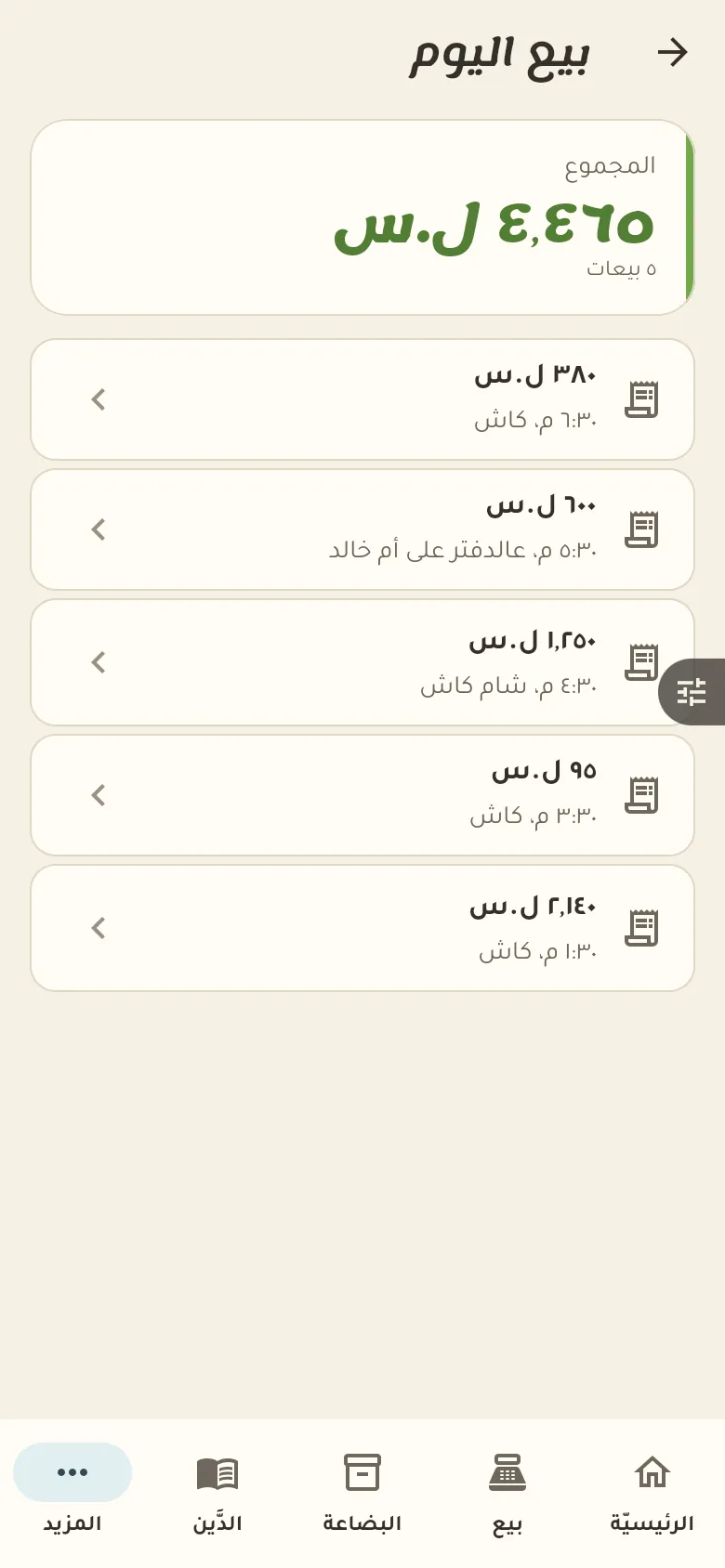
For a return, open «Today's sales» from Home, pick the sale and tap «Return something from it». The sale invoice is your proof of purchase date for warranty claims.
This is your home screen: a summary of your day. The bar at the bottom moves you between the sections of your shop, and «More» at its end opens everything else.
11 chapters; jump to any of them.
Every feature open. Then pick the plan that suits you, or carry on with the free one.
Get the app and startWrite it in the item's note or the invoice note when you sell. You'll find it later by searching for the invoice.
Set the item's currency to dollars when you add it. At sale time Rafeeq converts it to lira at the current rate and keeps that rate on the invoice.
Open the sales invoice from the log and tap «Return». The item goes back into stock and the amount comes off your day. Returning invoices is for the owner and anyone with that permission.
Yes. Sell and record debts with no network; everything syncs by itself when it returns.
Your data is yours: no ads and no data selling. The privacy page explains what we collect and for how long, and you can delete your account at any time.
