
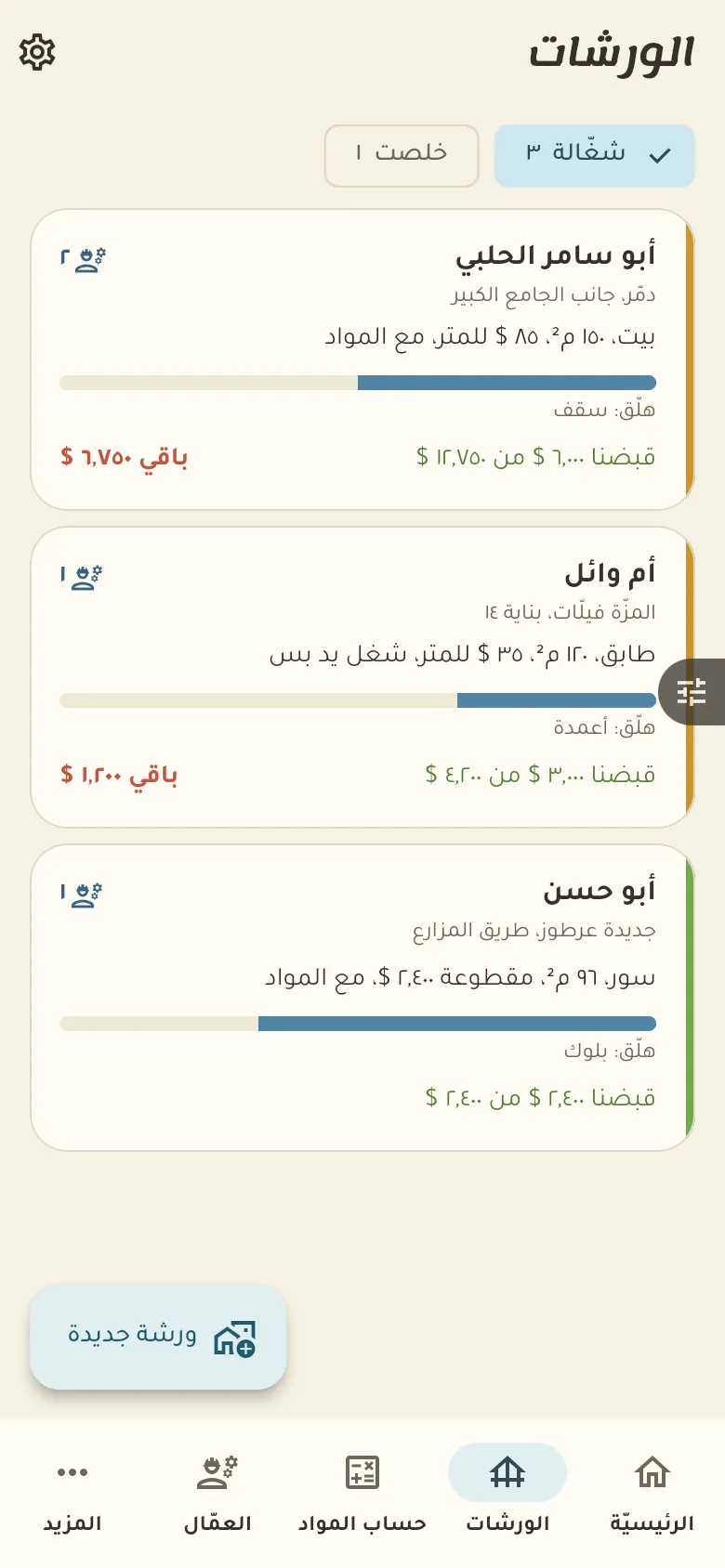
Running sites, workers and materials, with what was collected and what is left per project.
14 days free · Every feature open · works offlineNot a generic accounting program. Every screen is made for what happens in this business every day.
Here are your sites: each with its owner, costs and what has been collected on it. Open a site to see its materials, workers and payments.
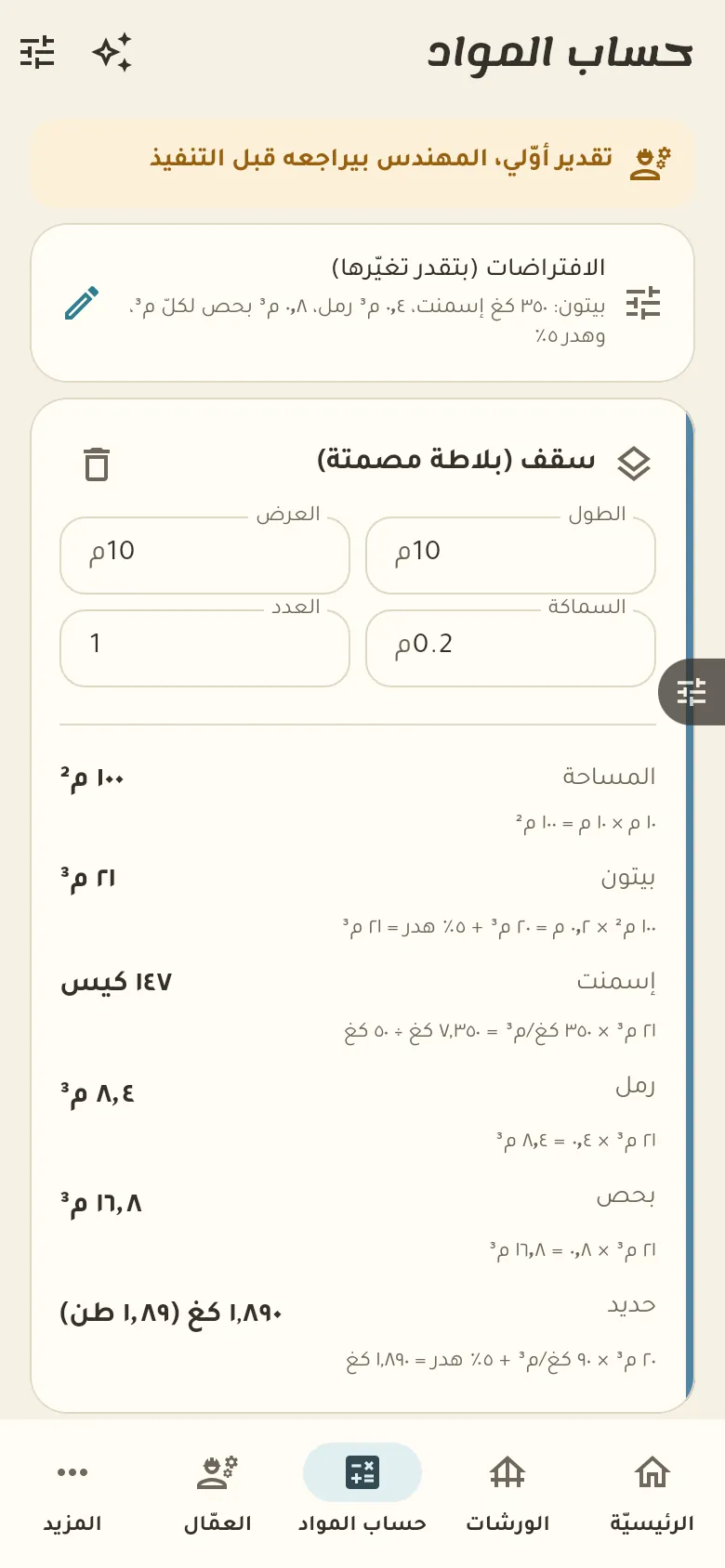
Enter the dimensions of a slab, wall or column and the calculator works out the quantities of concrete, steel and blocks. The numbers come only from the tested calculator, and the AI just helps read your description of the dimensions.
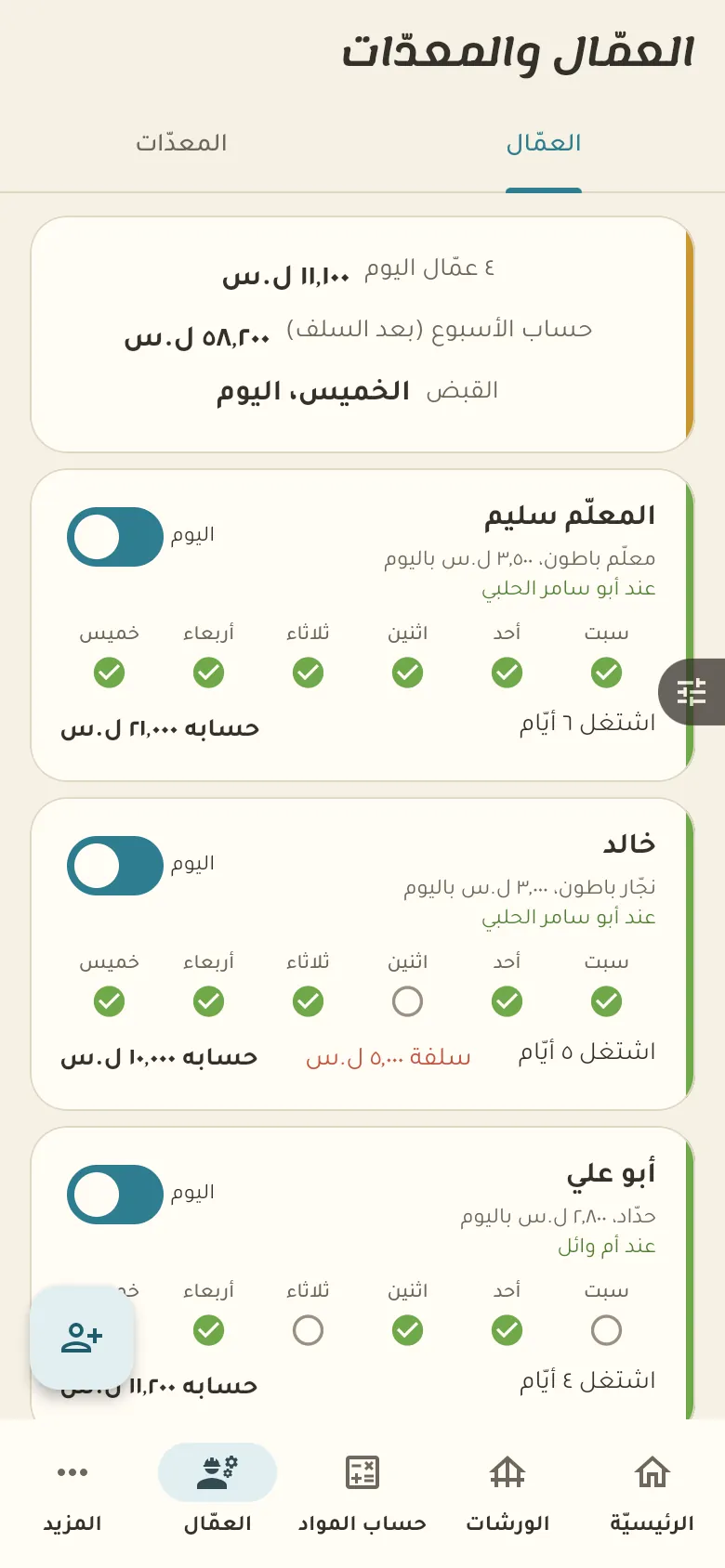
Record your workers and each one's daily wage, and mark each day who worked and on which site. Their days and payments add up so you know what's left for each worker, and they go into the site's cost.
This is your home screen: a summary of your day. The bar at the bottom moves you between the sections of your shop, and «More» at its end opens everything else.
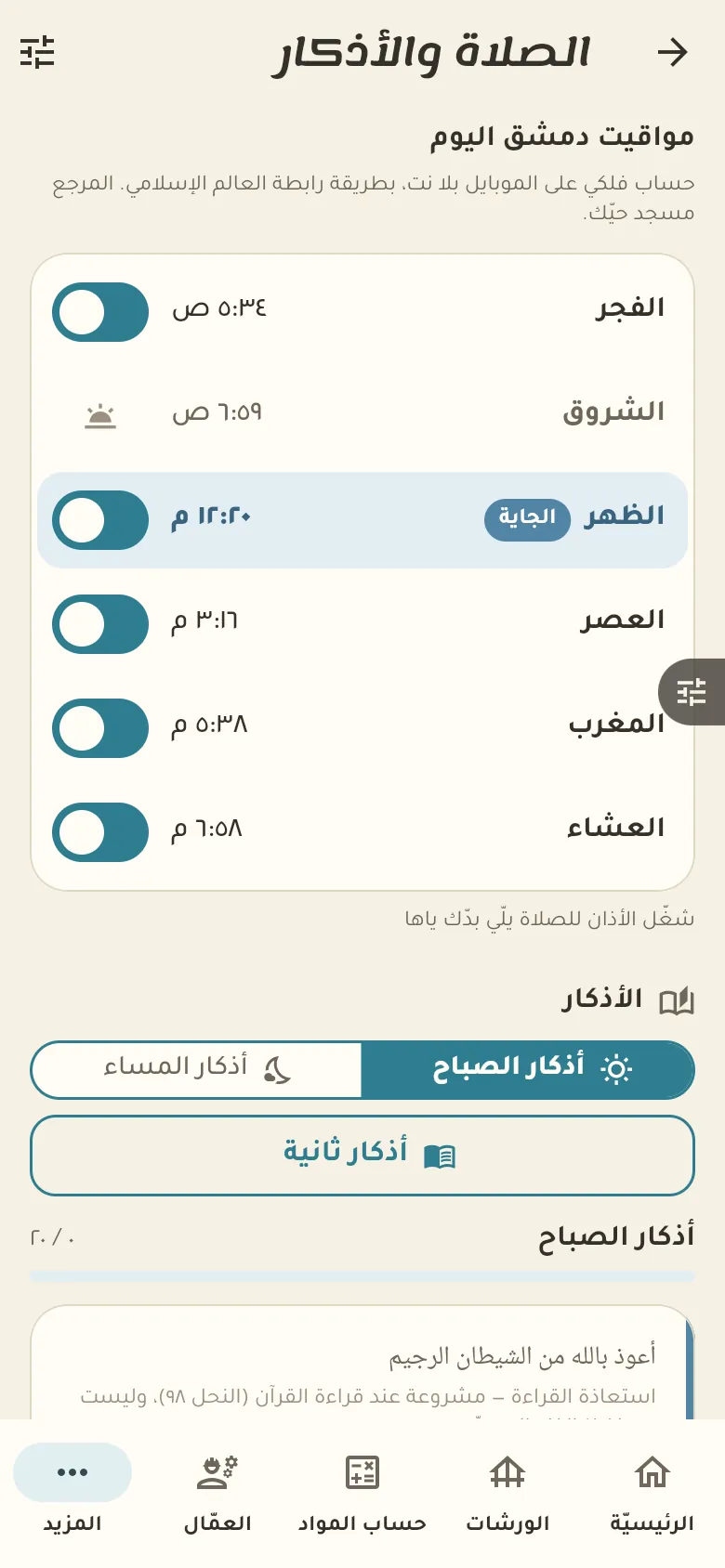
10 chapters; jump to any of them.
Every feature open. Then pick the plan that suits you, or carry on with the free one.
Get the app and startOpen «Materials calculator», choose «Slab» and type the length, width and thickness. The quantity appears in cubic metres, and you can choose solid or ribbed.
No, the AI only reads your description or photos and extracts the dimensions, and the calculations stay with the tested calculator. You review the dimensions before you accept them.
Open the worker and tap «Today's day», then pick the site. When you pay, tap «Payment» and enter the amount, which comes off what he's owed.
Yes. Sell and record debts with no network; everything syncs by itself when it returns.
Your data is yours: no ads and no data selling. The privacy page explains what we collect and for how long, and you can delete your account at any time.
